🔑
Logging In
When you are not logged in, you will automatically be redirected to the login page (https://[instance]/login).
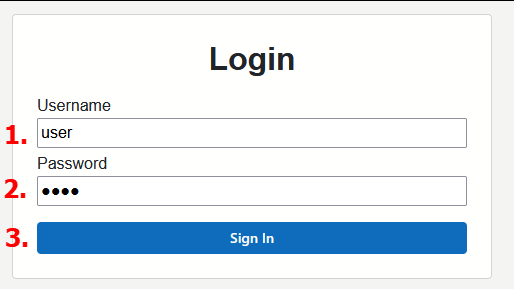
In order to log in, follow the steps below using the credentials* that you have been provided:
- Enter your
usernameinto the username input. - Enter your
passwordinto the password input. - Either click the
Sign Inbutton, or hit enter on your keyboard.
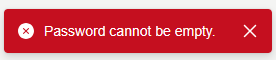
Unsuccessful login
A toast notification will be displayed upon an unsuccessful login attempt.
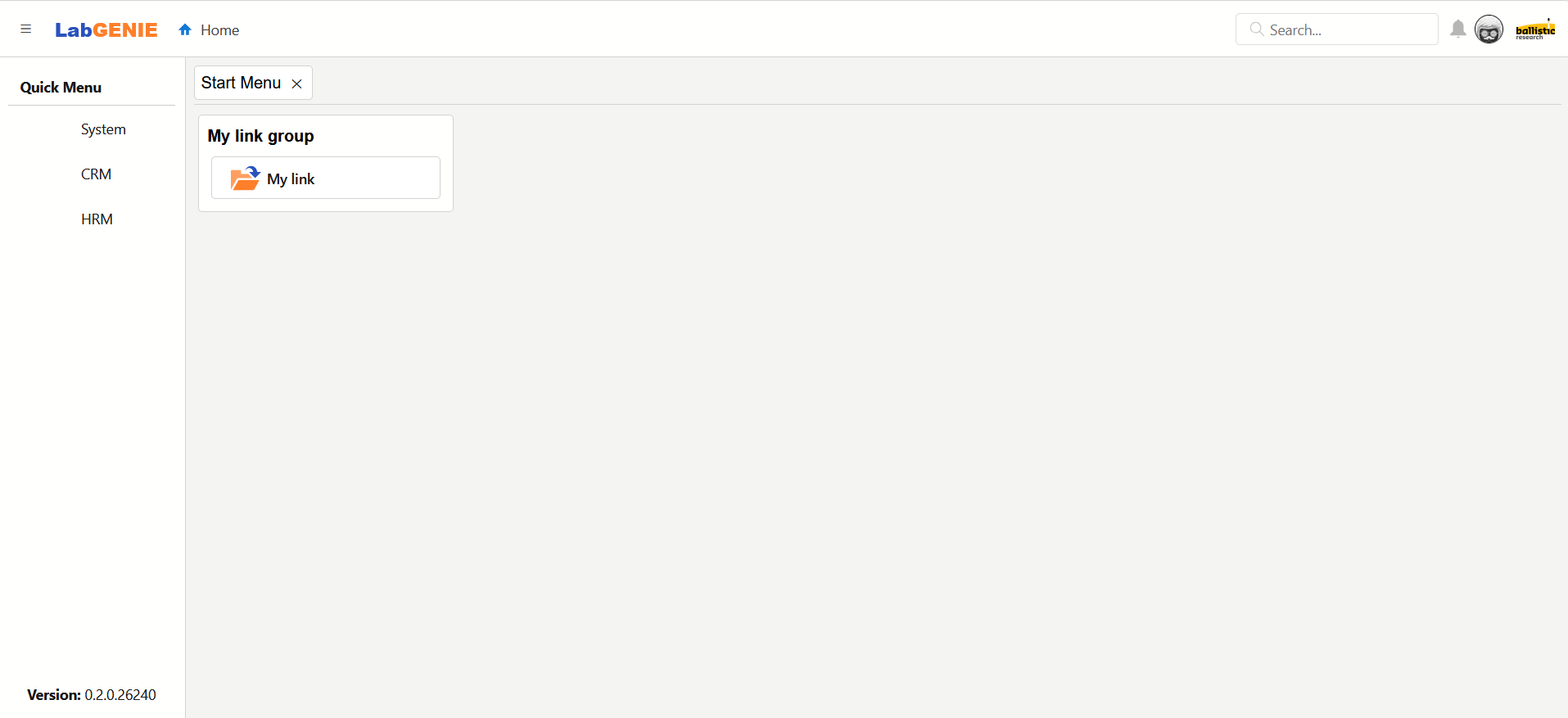
Successful login
Upon logging in successfully you are redirected to the home page with an open Start Menu.
To learn more about the components on screen, read the following articles: